ErosionAnalyzer
FlowlinePro ErosionAnalyzer is a calculation tool used to estimate particle erosion rates in pipelines and related components. Its primary methodology is based on the DNV-GL document:
DNVGL-RP-O501, Edition August 2015 – "Managing Sand Production and Erosion", Ref. [7].
In addition to the DNV-GL-based model, FPE also includes a legacy calculation option based on:
API Recommended Practice 14E (RP 14E), Fifth Edition, October 1, 1991 – "Design and Installation of Offshore Production Platform Piping Systems", Ref. [8].
- The DNVGL methodology represents current industry best practices.
- The API guidelines are considered outdated by modern standards.
- The API-based method is included for reference—useful when evaluating legacy systems built under older design assumptions.
Velocity Strategy
Rather than strict “never exceed” velocities, ErosionAnalyzer supports a flexible, cost-effective approach:
- Short periods of high velocity can be acceptable if total cumulative erosion over life remains tolerable.
- Focusing on accumulated erosion often improves capacity use without sacrificing integrity.
- Late in field life, lower outlet pressure may be preferred to reduce slugging by increasing the outlet velocity—such a strategy requires proper erosion analysis and slugging simulations.
User Interface
The interface is designed for ease of use, enabling quick estimation of erosion rates under various flow conditions. Most menus are intuitive and self-explanatory.
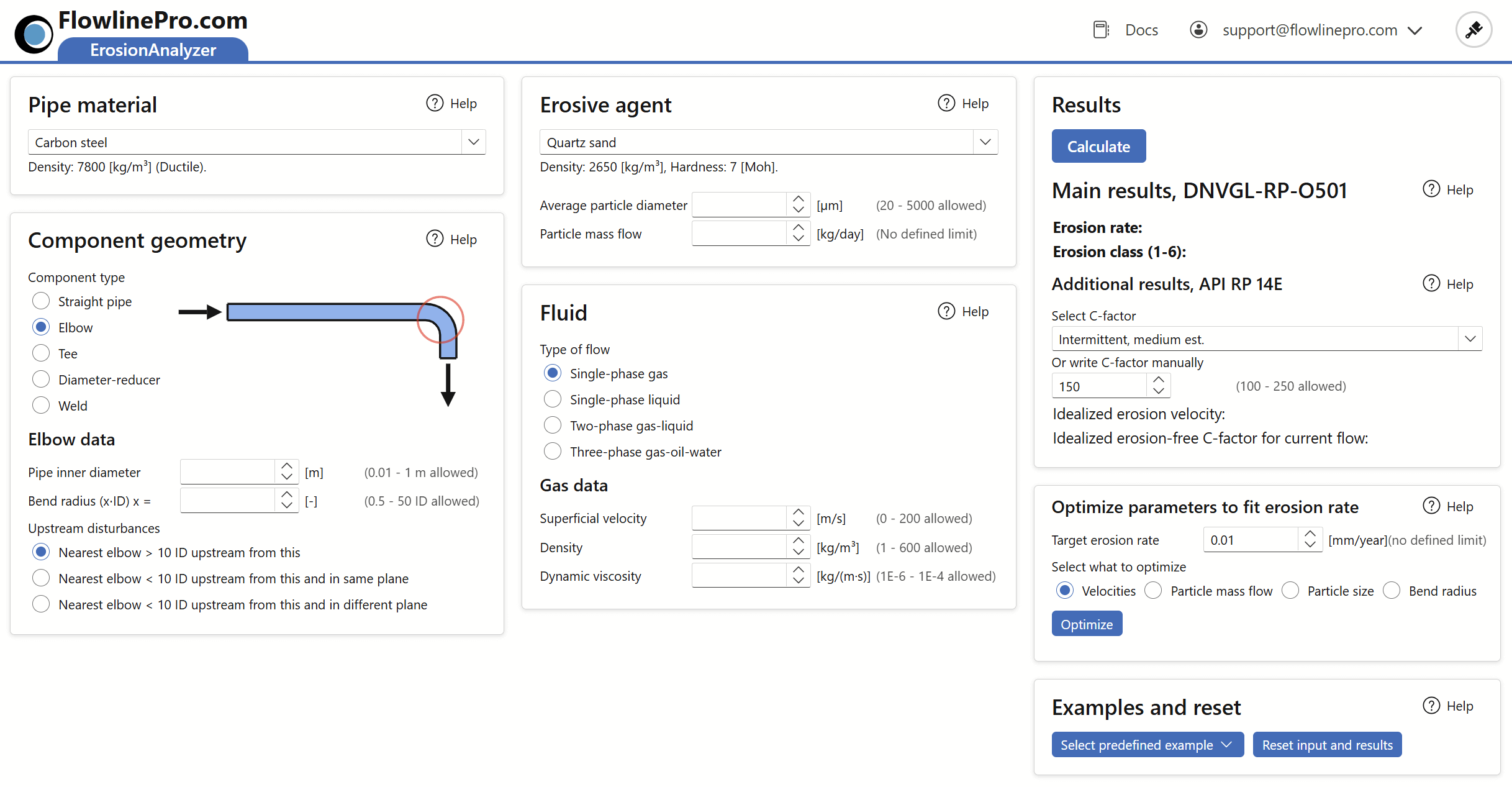
To perform a calculation, the following selections and inputs are required:
- Pipe material, component geometry, and erosive agent type must be selected from pre-defined lists.
- Input values are required for:
- Fluid properties and superficial velocities
- Particle size of the erosive agent
- Mass flow rate of the erosive agent
Pipe material

Choose from an extensive set of common industrial materials.
Geometry
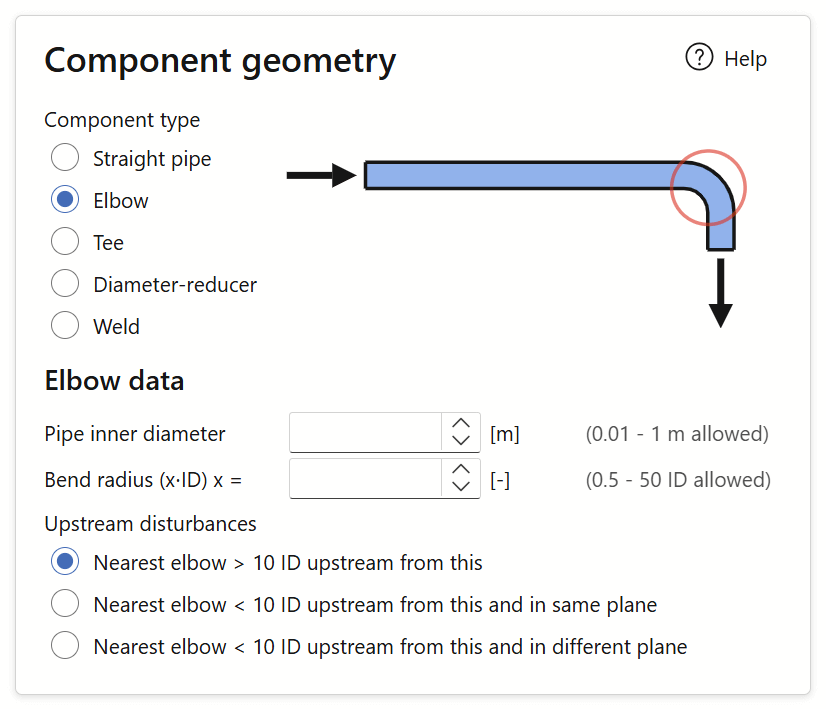
Component geometry significantly affects erosion levels.
- Straight pipes show minimal erosion.
- Elbows, tees, diameter-reducing sections, and welds are more vulnerable.
- Valves and chokes should be considered separately due to their large variation in geometry and materials.
Setting limits based only on straight pipe velocities tends to miss the most erosion-prone areas.
Erosive agent
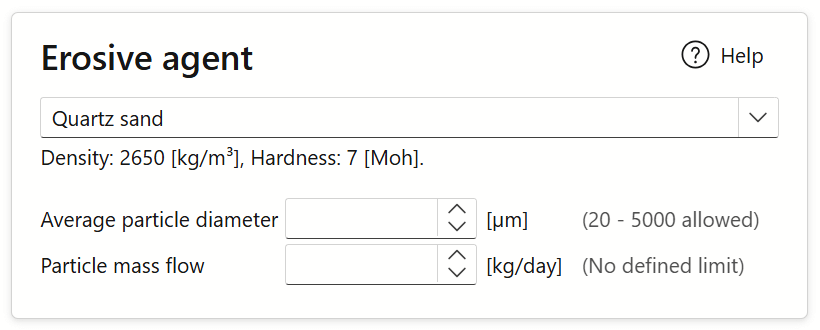
Selection from the drop-down proposes typical density and hardness values.
- Particle diameter (often referred to as d50) and mass flow must be sourced from field data.
- Example: d50 = 250 μm means half of the particles are smaller than 250 μm.
Fluid
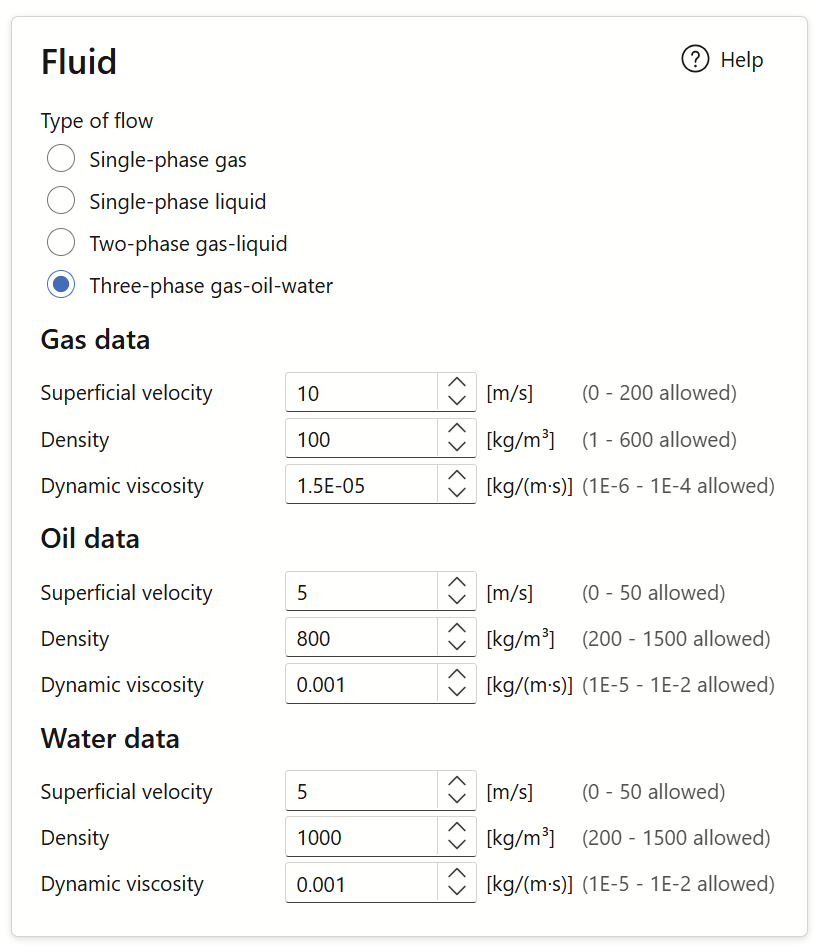
Fluid data is best taken from a FlowlineProSS simulation output plot.
- Single-phase, two-phase, and three-phase flows yield different results.
- Superficial velocity is defined as actual velocity × volume fraction.
Example: Given Values
| Parameter | Symbol | Value | Unit |
|---|---|---|---|
| Gas fraction | αG | 0.9 | — |
| Liquid fraction | αL | 0.1 | — |
| Gas velocity | vG | 10 | m/s |
| Liquid velocity | vL | 5 | m/s |
Calculated Superficial Velocities:
| Quantity | Formula | Result | Unit |
|---|---|---|---|
| Superficial gas velocity | vGS = αG × vG | 9 | m/s |
| Superficial liquid velocity | vLS = αL × vL | 0.5 | m/s |
DNVGL results

After input completion, click Calculate to receive erosion estimates.
Example result:
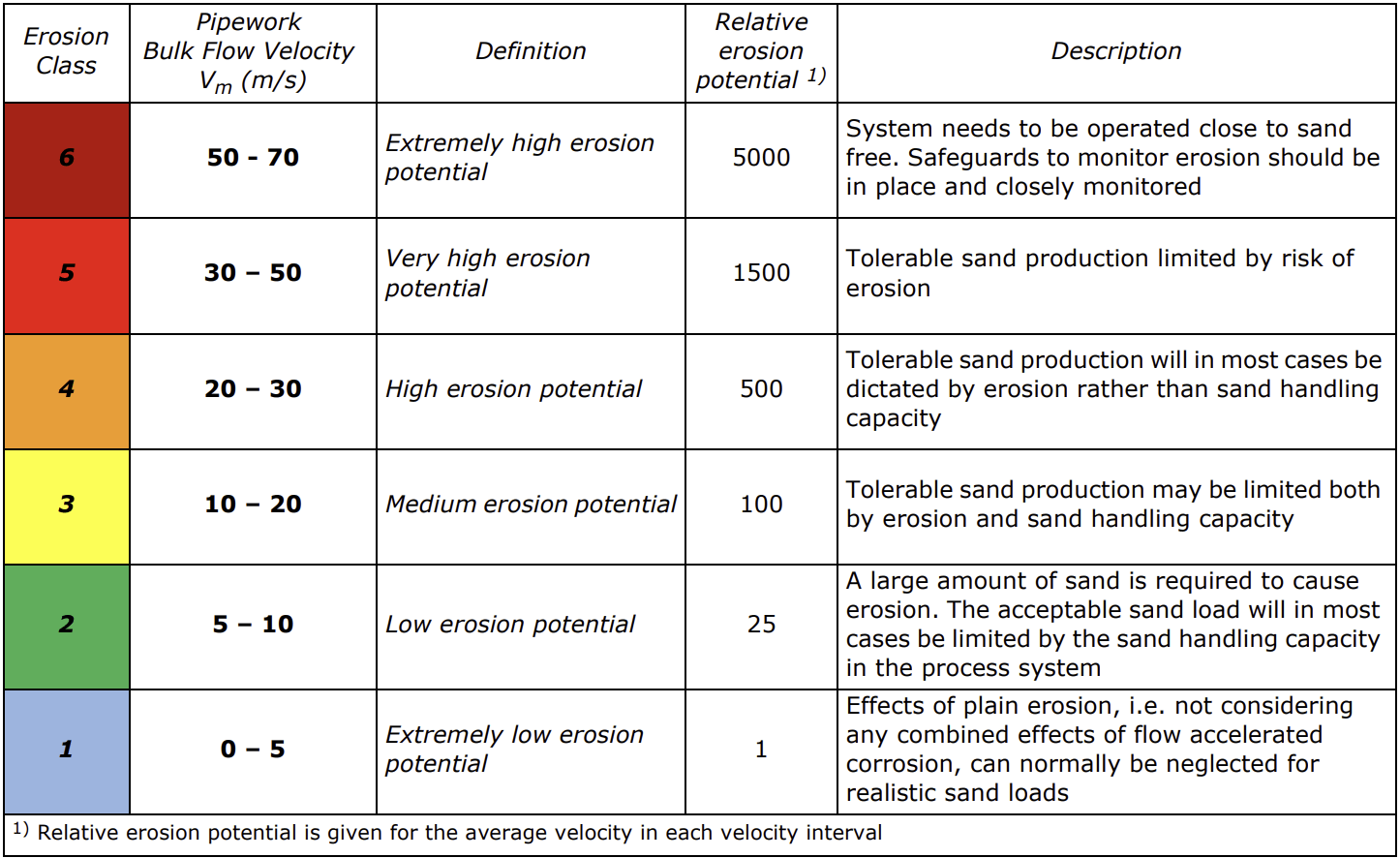
Erosion rate = 1.60 × 10⁻³ mm/year → Erosion Class 3 (Medium)
See DNVGL-RP-O501 for full class definitions:
API results
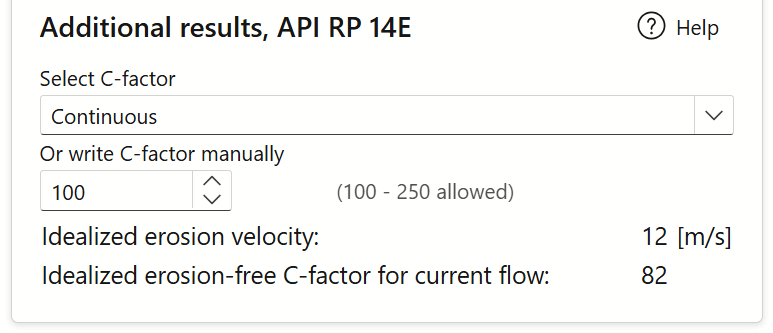
API RP 14E was traditionally used to set velocity limits for erosion control.
- Still used for reference and comparison.
- Ignores pipe material, geometry, or agent properties.
- Relies on a user-defined C-factor.
Units have been converted from imperial to SI in ErosionAnalyzer.
From API RP 14E:
“For solids-free fluids, c = 100 for continuous service, c = 125 for intermittent. Where corrosion isn’t expected or controlled, c values up to 250 may be used.”
Use the drop-down to select a C-factor or enter it manually. Results should be considered indicative only.
Optimize parameters
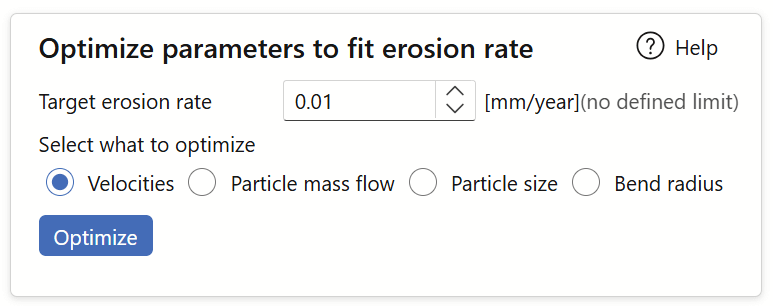
Use the Optimize feature to find velocity conditions matching a target erosion rate.
You can solve for:
- Velocity.
- Particle mass flow.
- Particle diameter.
- Bend radius.
Examples
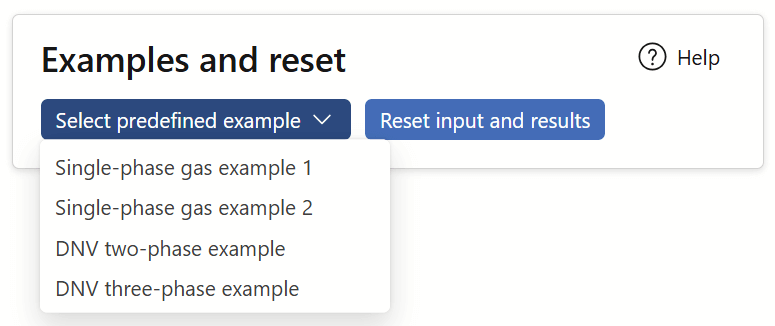
Click Examples to load four pre-set datasets. Modifying inputs helps demonstrate how each parameter affects erosion.